Webflow vs WordPress for AI Automation Agencies
An AI automation agency needs a polished marketing website with clear services, case studies, content and an effective enquiry path. Both platforms can support it, but create different workflows. This comparison covers self-hosted WordPress.org—not WordPress.com—and the public website, not the systems running AI agents or client automations. Neither platform is automatically better for SEO or conversions; the choice comes down to design control, extensibility and maintenance capacity.
Quick answer: Webflow is usually the stronger choice for a small or mid-sized AI automation agency that wants a distinctive marketing website, structured CMS content and managed hosting without maintaining a plugin-heavy stack. WordPress is usually stronger when the business needs extensive plugins, complex publishing workflows, custom server-side functionality or full control over its hosting environment. Both can support SEO, content and common marketing integrations when implemented properly.
Webflow vs WordPress at a glance
| Decision Factor | Webflow | WordPress |
|---|---|---|
| Launch and design | Visual design system with integrated CMS and hosting | Depends on theme, builder and hosting setup |
| Maintenance | Platform, hosting and security infrastructure are managed | Core, themes, plugins, hosting and backups require management |
| Flexibility | Strong for custom marketing layouts and structured CMS content | Core, themes, plugins, hosting and backups require management |
| Content | Suits services, case studies and a focused agency blog | Broader plugin and custom-development ecosystem |
| SEO | Native controls for metadata, redirects, sitemaps and structured data | Particularly flexible for large or complex publishing systems |
| Integrations | Forms, embeds, apps, APIs and external automation services | Large plugin ecosystem plus APIs and custom development |
The differences that matter for an AI agency
Launch speed and design control
Webflow combines a visual canvas, reusable components, a connected CMS and hosting. Services, case studies and articles can use consistent Collection templates, while a specialised template reduces initial layout work.
WordPress launch speed depends on the theme, builder, plugins and hosting. Its theme ecosystem can accelerate setup, but highly customised layouts may need developer support.
Webflow often provides a shorter path to a differentiated site. WordPress remains suitable with a reliable workflow or technical partner.
Content management and SEO
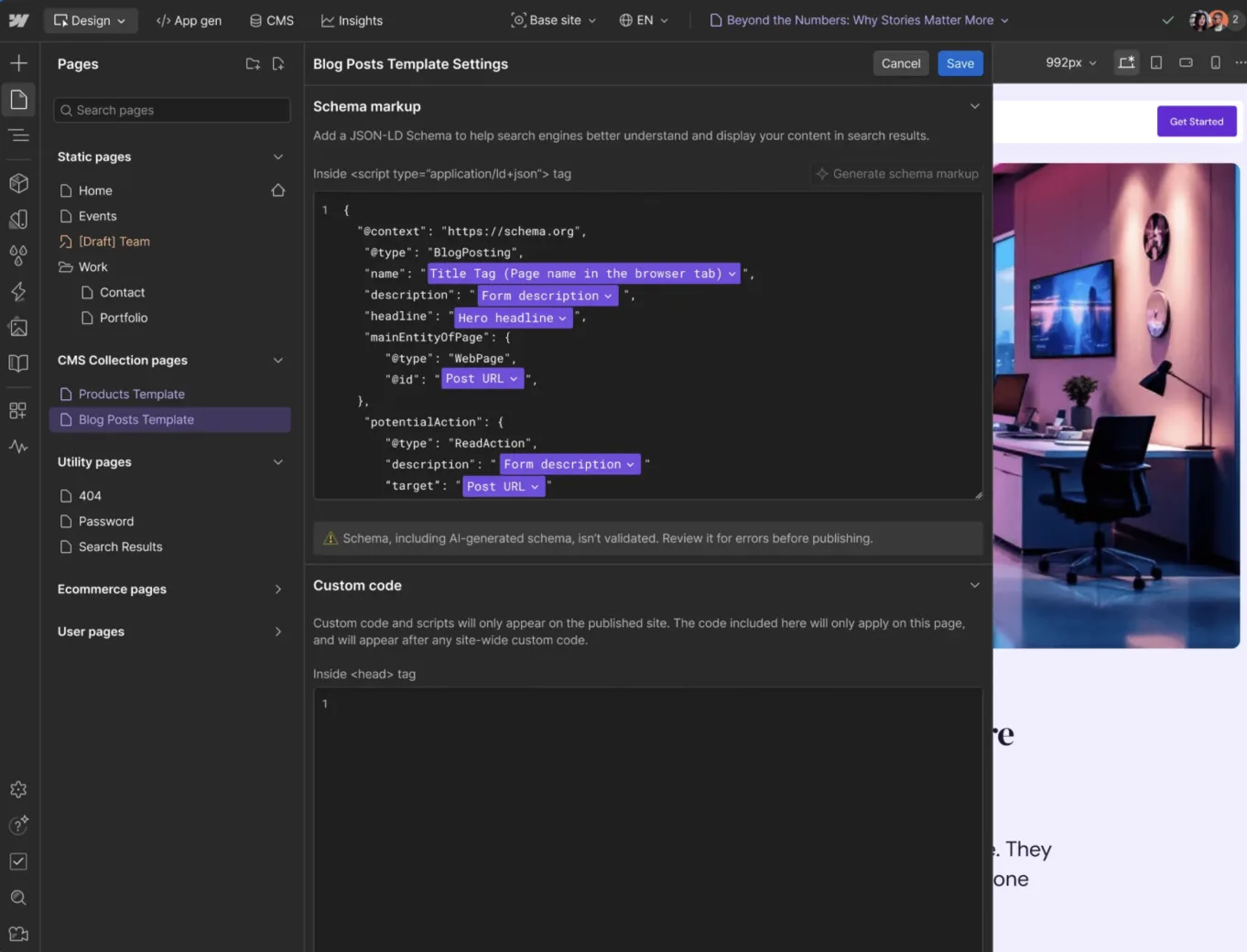
Both support service pages, case studies, blogs, metadata, redirects, sitemaps and structured data. Webflow provides CMS Collections, visual Collection templates, page-level metadata, 301 redirects and automatic XML sitemaps, covering typical agency SEO needs with fewer add-ons.
WordPress offers drafts, scheduling and revisions, plus custom post types and taxonomies. Themes and plugins can add granular SEO controls for larger publishing operations.
Neither earns rankings through its name. Useful content, search intent, internal linking, performance, technical implementation and authority matter more than the CMS.
Integrations and technical flexibility
Both connect enquiry forms, booking, CRM, analytics, email marketing, automation workflows and embedded demos to external services.
Webflow supports forms, apps, embeds, APIs and custom HTML, CSS and JavaScript. It fits sites that pass data to external tools or keep advanced functionality in a separate backend. Page-level custom code does not run server-side languages such as PHP or Python.
WordPress is stronger when a feature depends on a particular plugin, custom PHP or extensive server-side customisation. Its plugins, hooks and REST API provide a broad development surface.
The marketing website does not need to host the agency’s agents or client workflows. Operational systems can remain separate.
Maintenance, security and total cost
Webflow manages hosting infrastructure, SSL, platform security updates, backups and publishing. Your business still owns access control, custom scripts, integrations, form handling, privacy compliance and content accuracy.
With self-hosted WordPress, responsibility varies by host and support arrangement. Managed hosting may cover some work; otherwise, you need a process for core, theme and plugin updates, backups, compatibility testing and security monitoring. WordPress is not inherently insecure—the burden depends on hosting, extensions, implementation and maintenance.
Compare total ownership cost. WordPress is open source, but hosting, premium extensions, development and maintenance can cost extra. Webflow consolidates more of the stack, while custom work remains a separate cost.
Which platform should your agency choose?
Choose Webflow if:
- Your website is primarily a marketing and content site.
- Brand differentiation and visual control are priorities.
- You want managed hosting and fewer plugins to maintain.
- Services, case studies and articles fit structured CMS Collections.
- You want to start from a specialised automation agency website template.
Choose WordPress if:
- Your business already operates within WordPress.
- A required feature depends on a specific plugin.
- You need complex publishing or custom server-side functionality.
- You want full control over hosting and code.
- You have the resources to maintain the technical stack.
For a typical small AI automation agency launching a service-led marketing website, Webflow is likely to offer the simpler path. For a technically complex or publishing-heavy website, WordPress may provide more room to extend the system.
Starting with Automately
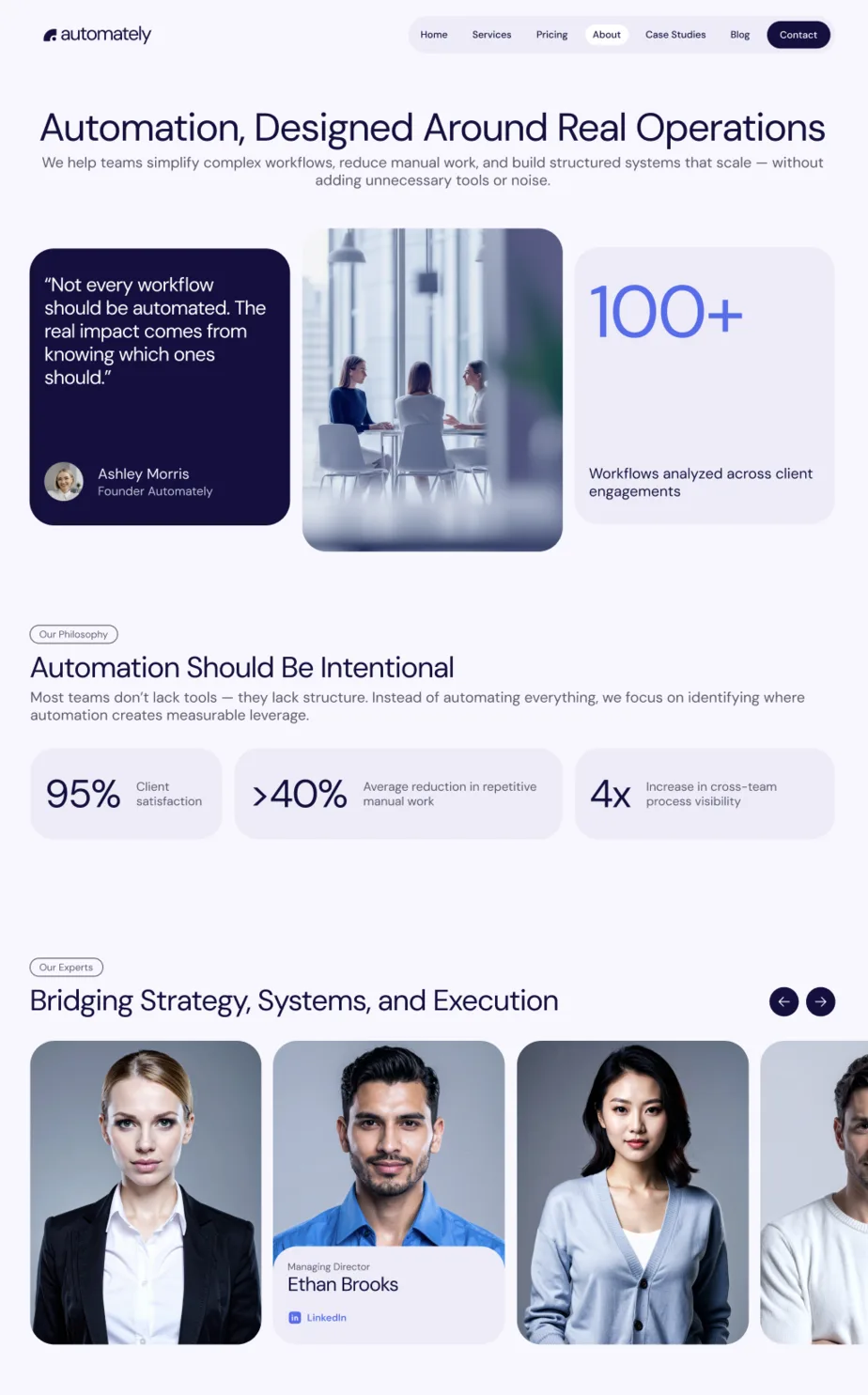
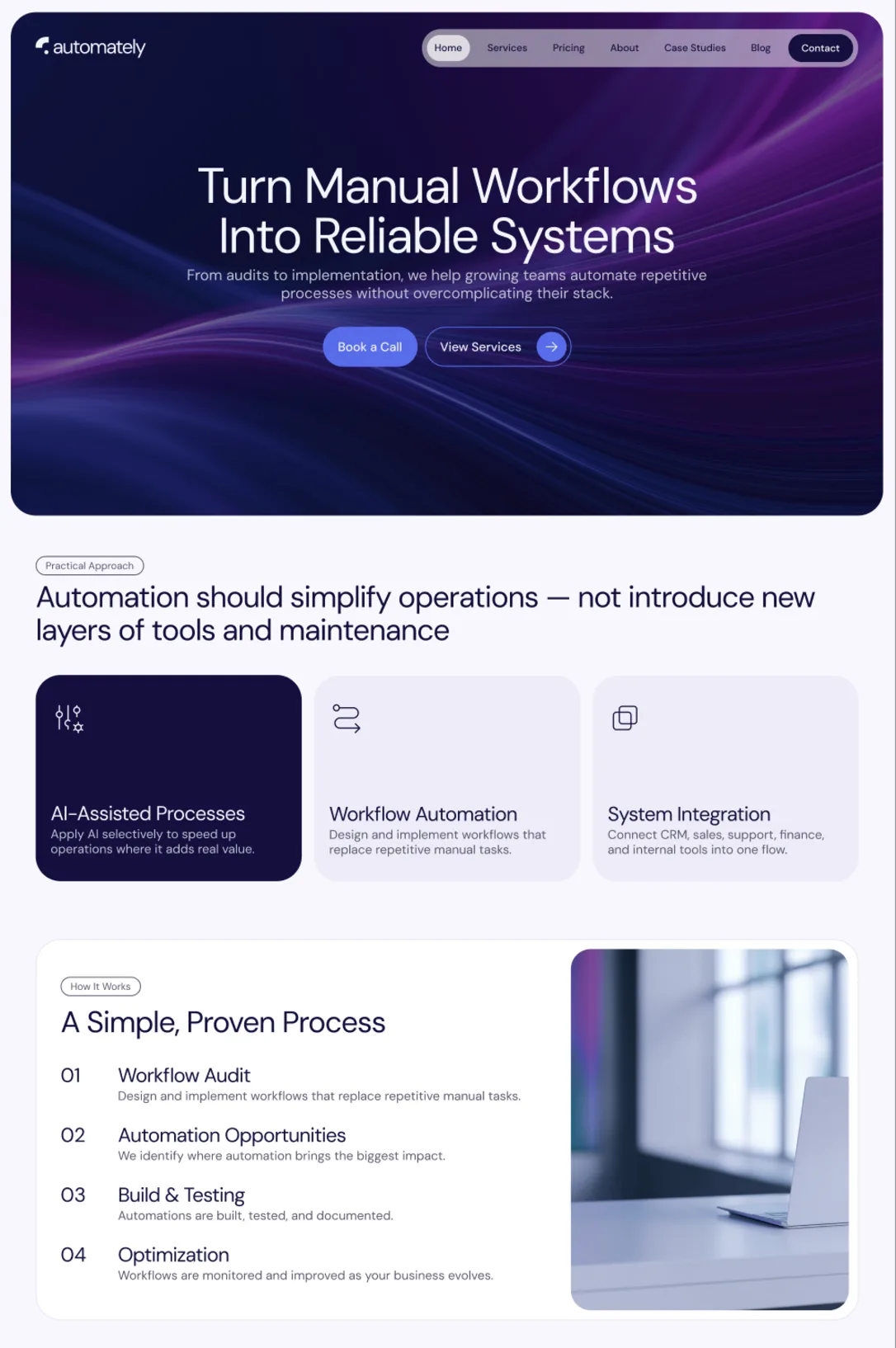
If you have chosen Webflow, Automately provides a faster starting point than a blank project. It is an AI automation agency Webflow template created and sold by Collabas, the publisher of this article.
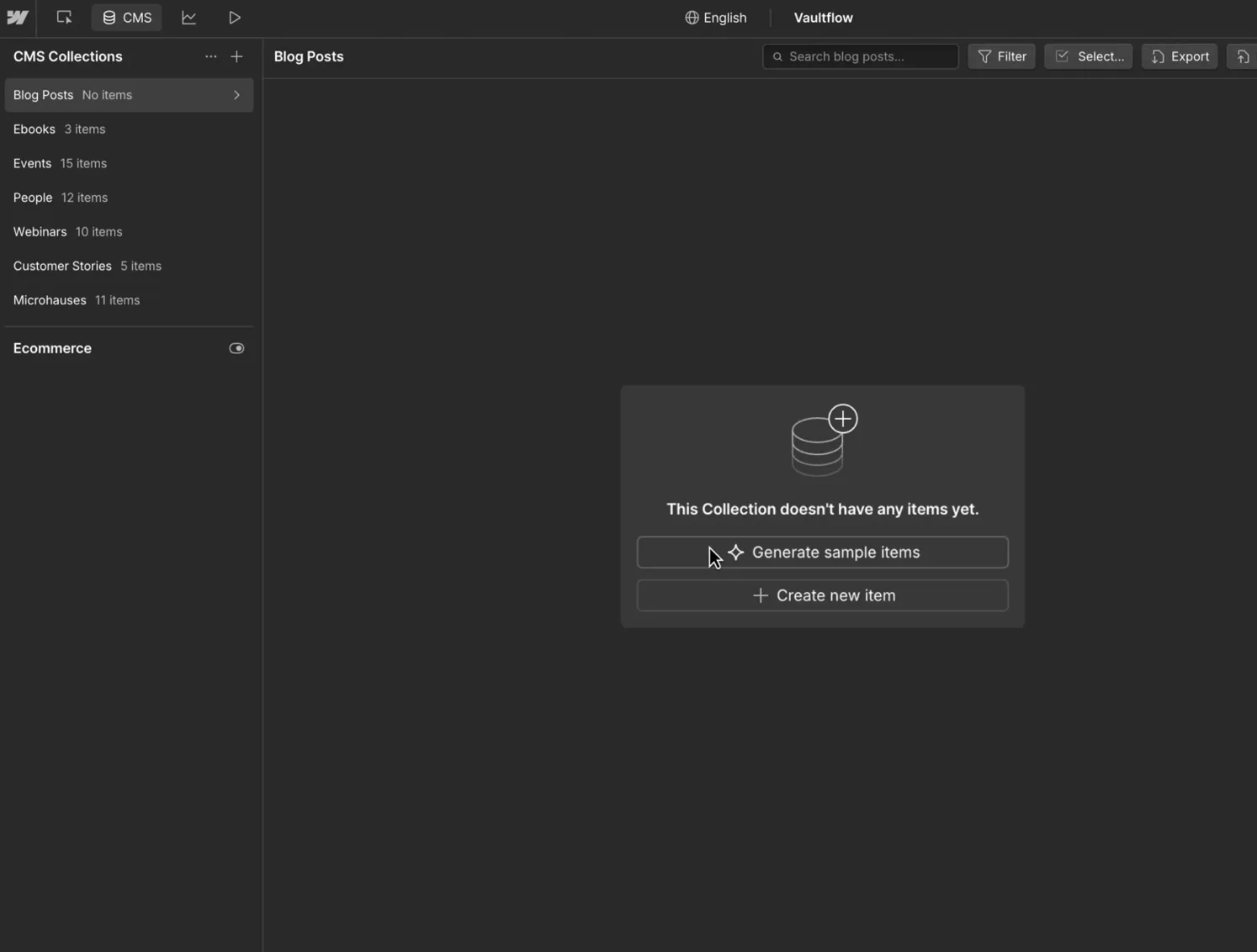
Automately includes 16 designed pages, more than 30 reusable sections and three CMS Collections: Services, Case Studies and Blog Posts. It also provides responsive layouts, global styles, a Style Guide and GSAP interactions. The connected page and CMS system is designed to help technical service businesses present their offer, publish proof and guide visitors towards an enquiry.
The template reduces initial design and structure work; it does not replace strategy or implementation. You still need original positioning, accurate service copy, real case studies, branding, images, integrations and page-specific SEO metadata.
Frequently asked questions
Is Webflow or WordPress better for an AI automation agency?
Webflow is often better for a design-led, service-based marketing site when the team values managed infrastructure and a focused CMS. WordPress is often better when the website needs extensive plugins, complex publishing workflows or custom backend functionality. The right choice follows the site’s operating requirements, not the agency’s use of AI.
Is Webflow or WordPress better for SEO?
Both can support strong SEO through crawlable pages, metadata, sitemaps, redirects and structured data. Neither platform guarantees rankings. Results depend on technical implementation, performance, content quality, search intent, internal links, backlinks and wider brand authority. Choose the CMS your team can maintain and publish with consistently.
Can Webflow connect to CRM and automation tools?
Yes. Webflow can send or expose data through forms, apps, embeds, APIs and external automation workflows. Straightforward marketing integrations often fit this model well. Advanced requirements may need custom development or a separate backend, particularly when they involve server-side logic, sensitive data or complex application behaviour.
The real Webflow vs WordPress decision is about operating model. Webflow reduces infrastructure and plugin management for a marketing website; WordPress offers broader extensibility and hosting control. If Webflow fits your agency, explore Automately as a structured starting point.